Powerful AR Features at Your Fingertips
Discover Koodall's core features, including AI-driven beautification, AR face filters, background replacement, and real-time video frame enhancements for elevated video interactions.
-
Beautification Filters and Enhancements
Refine facial features with AI-powered beautification tools for seamless and natural video interactions.
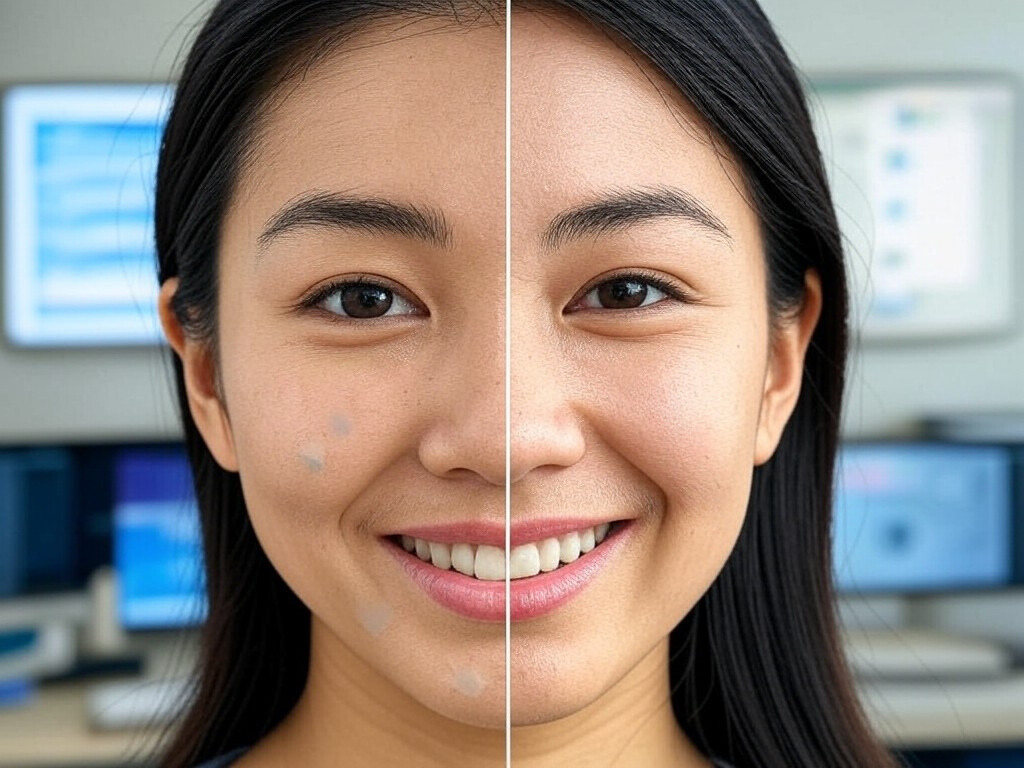
-
AR Face Filters
Add creativity and fun to video calls with interactive face filters, virtual accessories, and animated effects.

-
Background Removal and Replacement
Utilize advanced technology to replace video backgrounds with 360-degree or static options, enabling unique virtual environments.

-
Video Frame Improvements
Enhance image resolution and exposure quality for professional-grade visuals in real-time.

Why FaceAR Stands Out?
FaceAR sets itself apart with immersive AR experiences, brand-defining features, and interactive elements that drive user engagement and make every virtual connection unforgettable.
Immersive Video Experiences
Offer users an interactive and visually appealing way to connect virtually, making every conversation memorable.

Brand Differentiation
Integrate cutting-edge AR features to stand out in a crowded market.

Boosted Engagement
Drive user interaction with creative filters and personalized enhancements that keep audiences engaged.